Search for a live wallpaper app on Google Play and you get hundreds of results that all promise "4K", "4D" and "AI". Underneath, they do one of four different jobs: some hand you a catalogue of ready-made wallpapers, some turn a video you already have into a background, one is an editor for building your own, and one animates a still photo you give it. So the best live wallpaper app for Android depends on which of those jobs you need done.
This comparison covers seven apps. We make one of them, VisionAI, so read its section with that in mind. For the six others, we only state what their Google Play listings say, as of October 26, 2026. Listings change; check the app page before you pay for anything.
The short version
| App | What it does best | Your own photo? | On Google Play |
|---|---|---|---|
| GRUBL 4D Live Wallpapers + AI | Large catalogue of 4D, 3D and video wallpapers | Your own videos can be set as wallpapers | 10M+ downloads, ads and in-app purchases |
| Wallpaper Engine (Android companion) | Playing wallpapers from the Windows program on a phone | Imports your own videos and GIFs | 5M+ downloads, no ads according to the listing |
| Zedge | Huge library of wallpapers and ringtones | AI filters change the style of a photo | 500M+ downloads, ads and in-app purchases |
| Video Live Wallpaper (Smart App Craft) | Turning a clip from your gallery into a wallpaper | Videos, not still photos | 500K+ downloads, in-app purchases |
| KLWP Live Wallpaper Maker | Building an interactive wallpaper from scratch | As one layer in your design | 1M+ downloads, ads and in-app purchases |
| Live Wallpapers - VibeWalls | Live, 4D and 24H wallpapers plus themes and icons | Design tools to combine your images | 100K+ downloads, ads and in-app purchases |
| VisionAI | Animating a still photo you upload | Yes: a JPG or PNG becomes a live wallpaper | Ads and in-app purchases |
1. GRUBL 4D Live Wallpapers + AI
GRUBL, by TarrySoft, is a catalogue app. Its listing describes 18 categories and more than 1,000 animated backgrounds, with 4D wallpapers that use a depth effect, 3D scenes, video wallpapers and cinemagraphs. New wallpapers are added every week, and an auto-changer can swap the wallpaper when the screen turns on, every 6 hours or once a day. There is a color search, and the app also carries ringtones.
The "+ AI" part is an image generator: you type a description, pick a style, and get a new wallpaper, with a public gallery of what other people made. You can also set your own videos as live wallpapers.
Pick it if you want a large, regularly refreshed choice of ready-made animated wallpapers and don't mind ads or a subscription. Some reviews complain about the ads and the price of the premium plan, so read the subscription terms before you buy.
2. Wallpaper Engine (Android companion)
Wallpaper Engine is best known as a Windows program sold on Steam. The Android app is a companion: you connect it to Wallpaper Engine on your PC and transfer your existing collection to the phone. It plays videos, GIFs and interactive 2D and 3D scenes, lets you set up a playlist that changes the wallpaper on a schedule or by time of day, and pauses wallpapers when the phone is in power saving mode. You can also import local videos and GIFs without a PC.
The listing says the app has no ads and does not track you, and it needs Android 10 or later.
Pick it if you already own Wallpaper Engine on Windows and want the same wallpapers on your phone. Without the desktop program, you only get the import of your own videos and GIFs. We compared it with VisionAI in more detail in VisionAI vs Wallpaper Engine.
3. Zedge
Zedge is the biggest name on the list, with over 500 million downloads. It is a general personalization app: wallpapers, ringtones, notification sounds and icon packs. Live wallpapers are one section among many, next to parallax wallpapers with a 3D depth effect, Dynamic 24H wallpapers that shift from morning to night with your local time, and dual wallpapers for a matching lock screen and home screen.
Its AI tools include a wallpaper maker that turns a text description into an image, photo filters that restyle your pictures (anime, comic, watercolor and others), and an audio tool for ringtones. The listing does not describe a feature that makes your own photo move.
Pick it if you want one app for wallpapers and sounds, with a deep library.
4. Video Live Wallpaper (Smart App Craft)
This one does a single job: it takes a video and makes it your wallpaper. You tap Create, pick a clip from your gallery, adjust the sound, speed and scaling, then set it on the home screen, the lock screen, or a different clip on each. The listing names mp4, mov, mkv and webm files, and there is an online gallery of ready-made video themes.
Pick it if you already have the clip you want: a video from a trip, a scene you recorded, a loop you downloaded. It does not create motion from a still image.
5. KLWP Live Wallpaper Maker
KLWP, by Kustom Industries, is an editor, not a catalogue. You build a wallpaper from layers: text, shapes, your own images, and animations that react to scrolling, touch or the gyroscope. It can show live data such as the weather, the battery level, the song that is playing or your step count, and it connects to Tasker for automation. The paid Pro key removes the ads and unlocks importing presets.
Pick it if you like to tinker. KLWP can produce wallpapers no other app on this list can, but you build them yourself, piece by piece, or start from a preset someone else made.
6. Live Wallpapers - VibeWalls
VibeWalls, by Hong Kong Mishi Technology, is the newest app here: its listing says it was released on December 24, 2025. It mixes live and animated wallpapers, 4D wallpapers with parallax that react to movement or touch, and 24H wallpapers that change through the day, with phone themes, matching icons, widgets and a Control Center style. Its design tools let you combine your own images and wallpaper elements into a custom background or collage.
The listing notes that the Control Center feature needs Android's Accessibility Services.
Pick it if you want to restyle the whole phone (icons, widgets, wallpaper) in one go.
7. VisionAI: animate your own photo
VisionAI is our app, and it does two things.
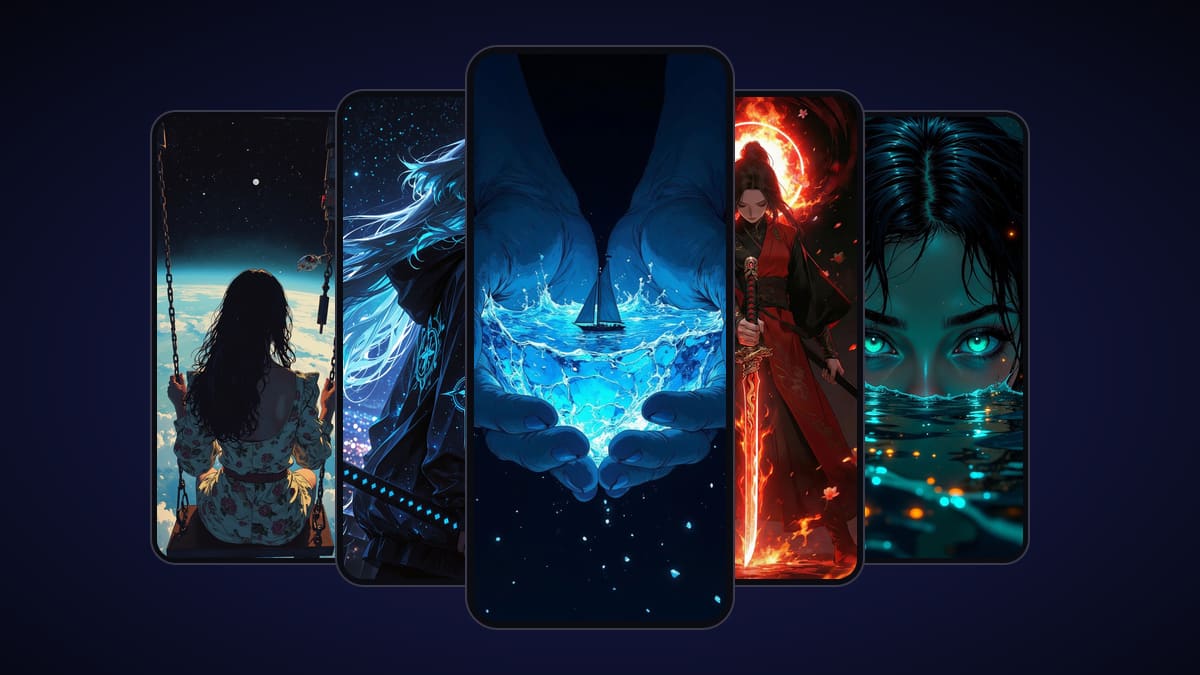
The first is a gallery of animated HD wallpapers, in styles like anime, space, nature, fantasy and abstract. Browsing it is free. To get one on Android, unlock it with a short video, or buy it once.
The second is the reason it is on this list: you upload a still photo and VisionAI's AI engine turns it into a live wallpaper, whether it's a beach, a city at night or your dog. Before you create, you set:
- Your photo, as a JPG or PNG.
- An optional hint about what should move: "the waves", "the clouds", "the neon signs".
- Glowing lights, an option that is off by default. It adds soft variations of light to the light sources that are visible in your photo.
The app renders in portrait 9:16. On the web version, you can also choose landscape 16:9 for a desktop screen.
The result is an HD clip of about 7–9 seconds, ready in a few minutes, for 10 credits whatever the orientation. The engine aims for a clip that ends close to where it began, so it can loop on your screen. That loop is not guaranteed: it depends on your photo. Photos with simple, steady motion, like water, clouds or light, give the best results. You can then re-render an HD result in 4K for 20 credits. Credit packs are listed on the pricing page; in the Android app, Google Play shows them in your local currency.
Pick it if the wallpaper you want doesn't exist yet because it's your own picture.
What VisionAI does not do: it doesn't play videos you already have like Video Live Wallpaper does, it has no layer editor like KLWP, and it doesn't bring Windows wallpapers to your phone like Wallpaper Engine.
How to choose
Ask yourself where the wallpaper comes from.
- Someone else made it, and you want a lot of choice: GRUBL, Zedge or VibeWalls.
- You already have a video of it: Video Live Wallpaper, or Wallpaper Engine's import.
- It lives in your Wallpaper Engine library on Windows: the Wallpaper Engine companion.
- You want to build it from shapes, text and data: KLWP.
- It's a still photo you took, and you want it to move: VisionAI.
Nothing stops you from installing two and switching between them.
Try it with your own photo
Pick a photo with something that could move in it (water, sky, lights) and turn it into a live wallpaper. Get VisionAI on Google Play, or start from the live wallpaper maker on the web.
See also
- How to Set a Live Wallpaper on Android with VisionAI
- VisionAI vs Wallpaper Engine: Which Is Right for You?
- Live Wallpaper vs Static Wallpaper
Get VisionAI on Android
Create AI-animated live wallpapers directly from your phone — upload, generate, and set your wallpaper without leaving the app.